

How it Works
Send your Canopy Connect link to your prospect to collect insurance data in seconds.
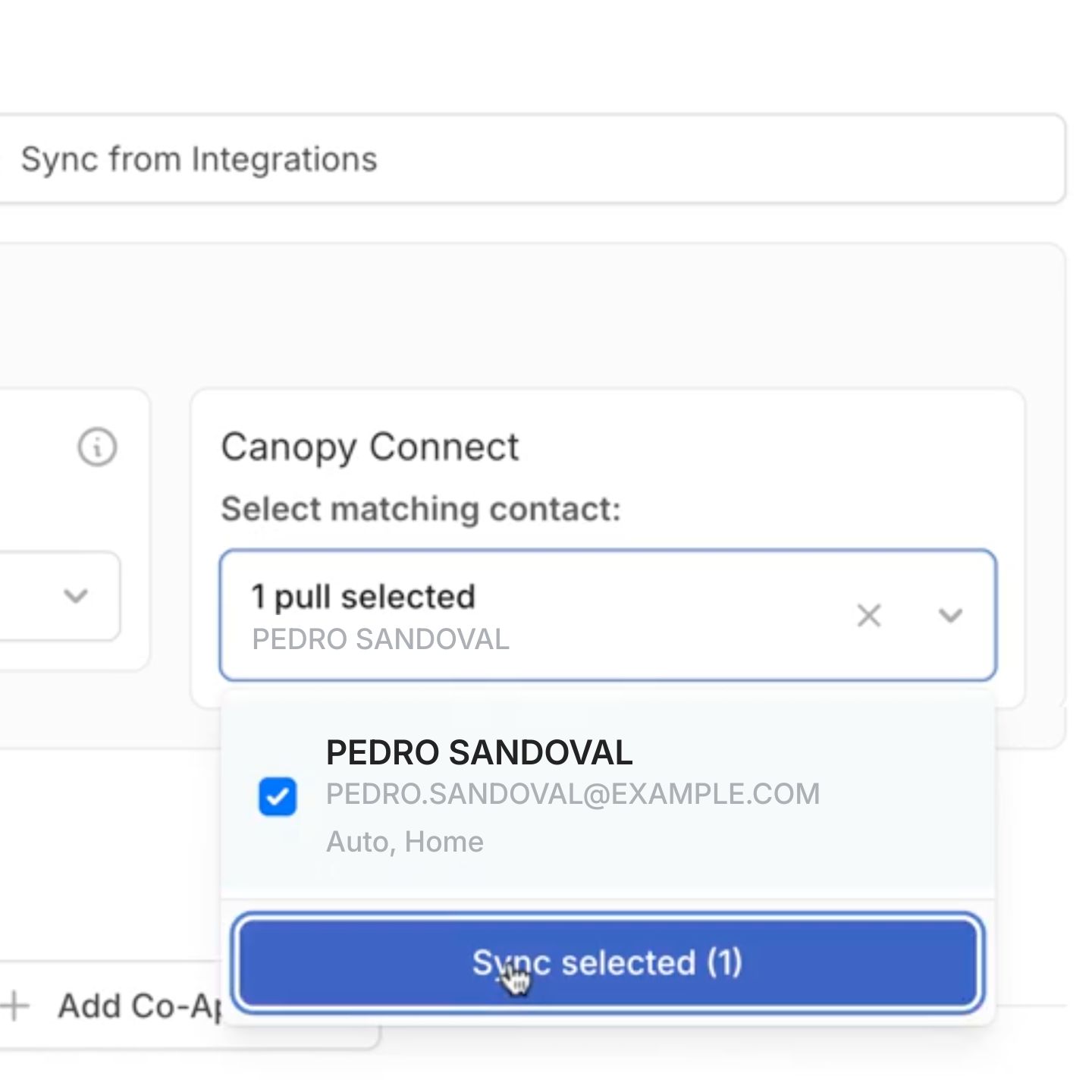
Open a new RiskProfile in RiskAdvisor and sync the submission with one click
Review coverage details and identify gaps before the call
RiskAdvisor Overview
Structured RiskProfiles
AI-Assisted Underwriting
Built to Complement Your Stack


Set Up and Use the Integration
Integration Setup
- Log into RiskAdvisor and navigate to Settings > Integrations.
- Select Canopy Connect and click Connect.
- You will be redirected to Canopy Connect to authenticate and grant permissions.
- Once authorized, you'll be returned RiskAdvisor with the integration activate.
Using the Integration
- Send your prospect your personalized Canopy Connect link via text, email, or QR code.
- Your prospect consents, finds their carrier, and signs in—Canopy Connect retrieves their verified insurance data directly from the carrier portal.
- In RiskAdvisor, open a new RiskProfile and enter the prospect's name and email.
- Click Sync — the Canopy Connect submission pulls in automatically.
- Review the populated data and current coverage details, identify any gaps, and proceed with your intake and quoting workflow.
Start Your 14-day Free Trial
Canopy Connectors
Canopy Connect is the key to the future scalability of our agency. We are sending the Canopy Connect link to every client.

Trucordia

Canopy Connect saves my team thirty minutes per client. We get 95% of our new clients using it. It's truly been a game changer for our agency. It is the one technology piece that we couldn't do without.

Kevin Panter Insurance

I don't know how I would do business today in personal lines without Canopy Connect. I just don't know how I would do it. It would be so inefficient.

Catalyst Insurance Group

I recommend Canopy Connect to all of the agents I meet and mentor. It makes the intake much faster and easier for me and my clients and has enabled me to scale my agency.


Canopy Connect is such an awesome way to not just have smoke and mirrors to what the customer has. You're literally looking at it. You can see it right in front of you. It's literally a secret weapon.

Powers Insurance Experts

You have everything at your fingertips. 75% of consumers have no idea what coverages they carry. They think they have “full coverage” so this helps me build a wedge between their current policy and what I can offer.

Miner Family Insurance / TWFG
