
Email Intake Is Here: Email a Dec Page and Turn It Into Structured Data
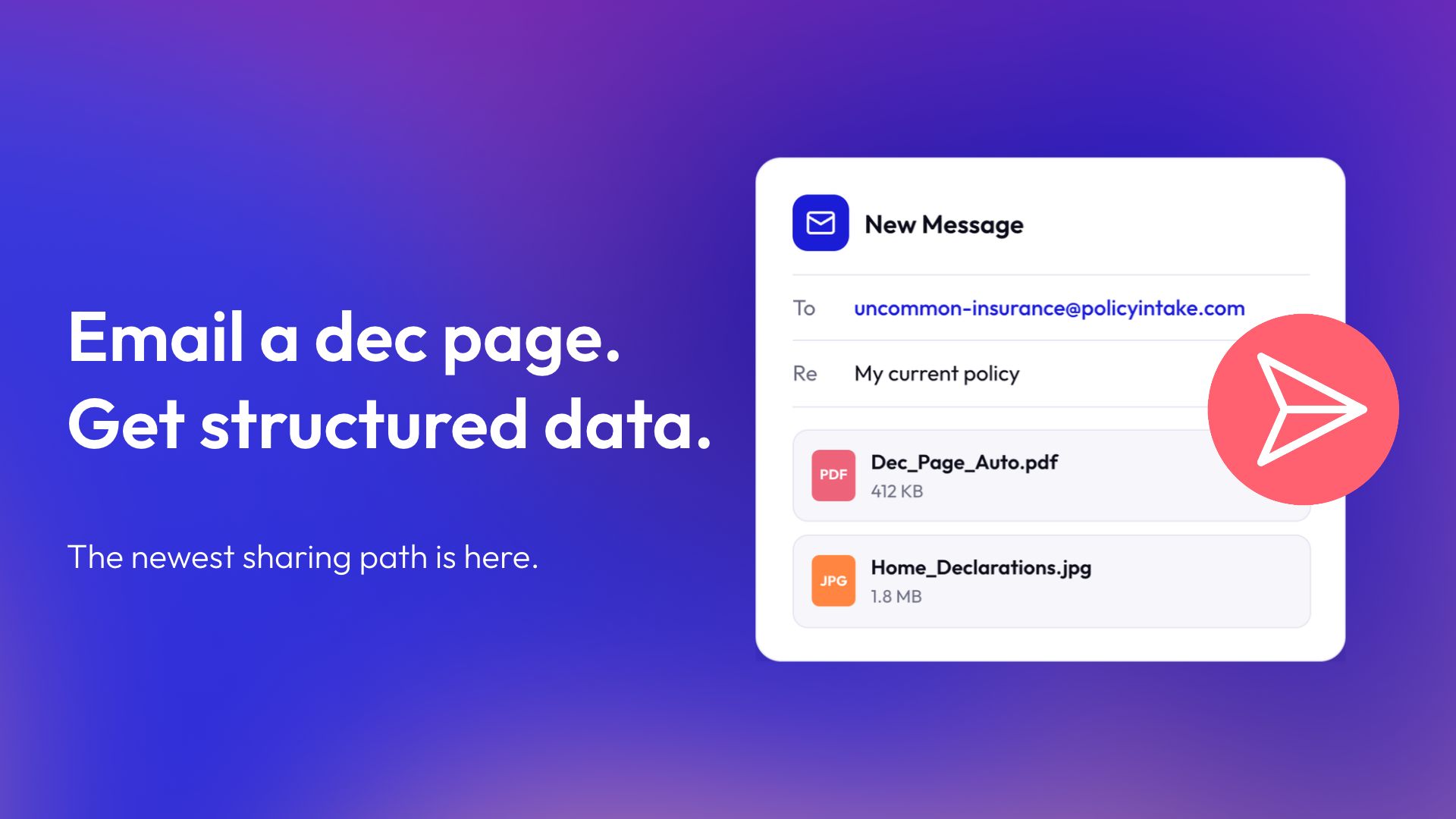

Canopy Connect was built to make sharing insurance information simple for prospects and useful for the agents who receive it. With Trailhead, every intake link opens with a personal introduction to the agent, and Sharing Paths lets prospects choose how they’d like to share, whether through Carrier Connection, Document Upload, Form Entry, or Contact Me. Email Intake builds on that experience with a new path designed around something many prospects already do every day.
Ask a producer how prospects like to send insurance documents, and many will say email. A photo of a dec page or a PDF from a previous carrier often lands in an inbox first. Email Intake turns that familiar habit into a direct path into Canopy Connect.
What Email Intake does
Email Intake brings a new Sharing Path to the Canopy Connect Insurance Intake Platform, giving prospects an easy way to share by email. Every agent gets a dedicated intake email address, using the same custom alias as their existing Canopy Connect link, in the format link-alias@policyintake.com.
When a prospect emails their documents to that address, Canopy Connect parses the attachments (dec pages, schedules, ACORD forms, and other insurance documents, including legible photos and handwritten notes) and delivers structured data straight to the agent's dashboard. From there, it's reviewable, editable, and ready to flow into a rater, CRM, or AMS.
Why it matters
Email is already a comfortable way for prospects to communicate. Until now, documents that arrived by email needed one extra step from the agent, either downloading the attachments and uploading them into Canopy Connect or sending the prospect their Canopy Connect link. Agencies not yet on Canopy Connect often take on even more, retyping or copying information from an inbox into whatever system runs their quoting.
Email Intake handles that step automatically. Emailed documents arrive in the dashboard as structured data, right alongside everything shared through other Sharing Paths. Agents spend less time on data entry, and intake stays consistent no matter which producer is handling the file or how a prospect chooses to share.
How it fits with the rest of the platform
Email Intake joins Carrier Connection, Document Upload, Form Entry, and Contact Me as one more way prospects can share their insurance information, with every path producing the same structured, integration-ready data on the back end. Sharing Paths have always been about giving each prospect a comfortable way to share. Email Intake builds on that foundation by letting a simple email do the work, so prospects can share however feels easiest and agents receive consistent data every time.
Getting started
Your existing custom link alias can double as your new email address. To set it up, open Links, click Turn On, and check the box to activate it. Our Help Article shows where to find your address and how it appears in your dashboard.
Availability
Email Intake is available now on Scratch, Elevate, Peak, and Summit plans.